

How To Create An Effective Car Accident And Alcohol Detection System Using Arduino Technology
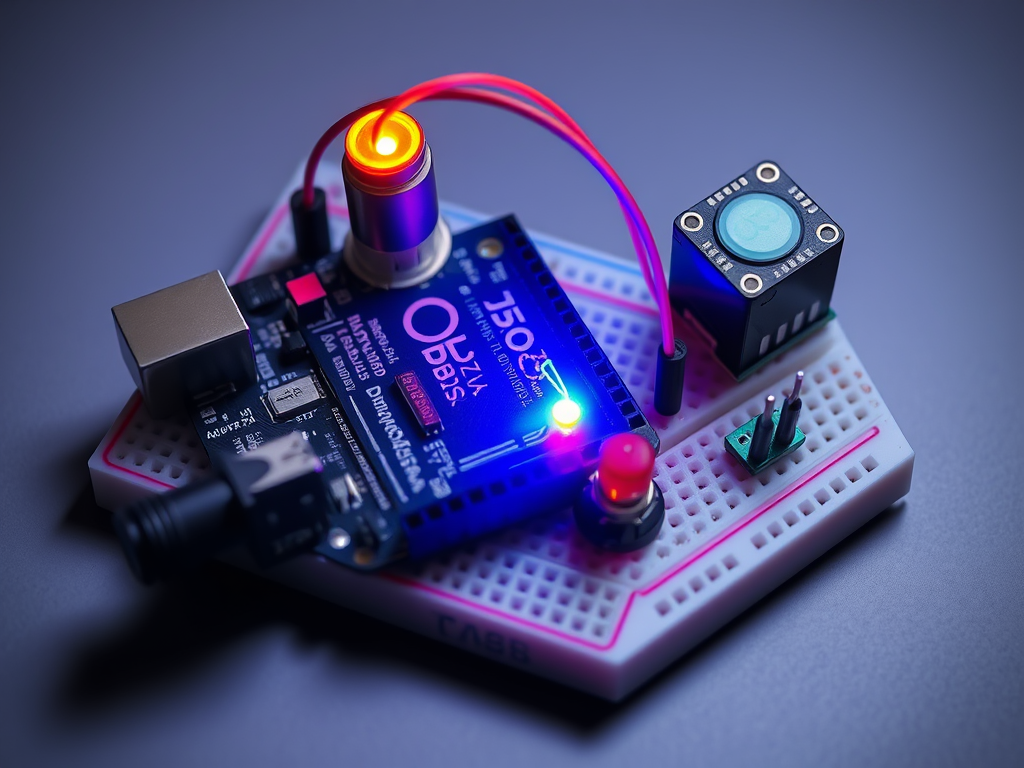
Road safety is a critical concern worldwide. According to global statistics, a significant percentage of road accidents are caused by alcohol consumption and driver negligence. With advancements in technology, developing automated systems to prevent accidents has become more accessible and efficient. One such solution is an Arduino-based Car Accident and Alcohol Detection System, which can detect alcohol consumption and potential accidents in real-time, providing instant alerts to prevent mishaps. In this article, we will guide you step by step on how to build an effective system using Arduino, along with diagrams to visualize the project.
Understanding the System
The Car Accident and Alcohol Detection System integrates multiple sensors and modules to monitor driver behavior and vehicle conditions. The core components of this system include:
- Arduino Microcontroller: Acts as the brain of the system, processing data from sensors.
- Alcohol Sensor (MQ-3): Detects alcohol vapors in the driver’s breath.
- Accelerometer (e.g., MPU6050): Measures sudden changes in speed or impact, indicating a potential accident.
- Buzzer/Alarm: Alerts the driver in case of alcohol detection or accident.
- GSM Module (SIM800L): Sends notifications to emergency contacts in case of an accident.
- LCD Display: Displays real-time sensor readings for monitoring.
Diagram 1: System Block Diagram
[Alcohol Sensor] -->
                   \
                    --> [Arduino] --> [Buzzer/Alarm]
[Accelerometer] --> /               \
                                     --> [GSM Module] --> [Emergency Contact SMS]
                                     --> [LCD Display]
Step 1: Setting Up the Hardware
- Arduino Board: Arduino Uno is recommended due to its compatibility with multiple sensors and ease of programming.
- Alcohol Sensor (MQ-3): Connect the VCC and GND to Arduino 5V and GND, respectively. Connect the analog output to A0 pin on the Arduino.
- Accelerometer (MPU6050): Connect SDA and SCL pins to A4 and A5 of Arduino for I2C communication.
- Buzzer/Alarm: Connect the positive pin to a digital output pin (e.g., D7) and the negative to GND.
- GSM Module: Connect TX and RX pins to Arduino digital pins (D2 and D3) with a voltage regulator if necessary.
- LCD Display: Use I2C LCD for simplicity; connect SDA and SCL to A4 and A5.
Diagram 2: Hardware Connection Diagram
[MQ-3 Sensor] ---> A0 (Arduino)
[MPU6050] ---> SDA/A4, SCL/A5 (Arduino)
[Buzzer] ---> D7 (Arduino)
[GSM Module] ---> D2(TX), D3(RX) (Arduino)
[I2C LCD] ---> SDA/A4, SCL/A5 (Arduino)
Step 2: Programming the Arduino
The Arduino code involves reading sensor data, processing it, and triggering alerts. The key steps include:
- Reading Alcohol Sensor: Continuously monitor the analog output. If the value crosses a predefined threshold, it indicates the presence of alcohol.
- Reading Accelerometer Data: Calculate sudden changes in acceleration to detect collisions. A significant spike in readings indicates a potential accident.
- Triggering Alerts: Activate the buzzer and display warnings on the LCD.
- Sending SMS Alerts: If an accident is detected, use the GSM module to send messages to preconfigured emergency contacts.
Code Snippet (Simplified):
#include <Wire.h>
#include <LiquidCrystal_I2C.h>
#include <SoftwareSerial.h>
#include <MPU6050.h>

LiquidCrystal_I2C lcd(0x27,16,2);
SoftwareSerial gsm(2,3);
MPU6050 accel;

int alcoholPin = A0;
int buzzer = 7;

void setup(){
  lcd.init();
  lcd.backlight();
  Serial.begin(9600);
  gsm.begin(9600);
  accel.initialize();
  pinMode(buzzer, OUTPUT);
}

void loop(){
  int alcoholLevel = analogRead(alcoholPin);
  float ax = accel.getAccelerationX();

  lcd.setCursor(0,0);
  lcd.print("Alcohol: ");
  lcd.print(alcoholLevel);
  lcd.setCursor(0,1);
  lcd.print("Accel: ");
  lcd.print(ax);

  if(alcoholLevel > 300){
    digitalWrite(buzzer,HIGH);
  } else {
    digitalWrite(buzzer,LOW);
  }

  if(ax > 15000){  // Threshold for accident detection
    digitalWrite(buzzer,HIGH);
    gsm.print("AT+CMGF=1\r");
    delay(100);
    gsm.print("AT+CMGS=\"+1234567890\"\r");
    delay(100);
    gsm.print("Accident detected! Help needed.\r");
    delay(100);
    gsm.write(26); // ASCII code for CTRL+Z
    delay(1000);
  }

  delay(500);
}
Step 3: Testing and Calibration
- Alcohol Sensor: Test the sensor with a small amount of alcohol near it to determine an accurate threshold.
- Accelerometer: Simulate sudden jerks or collisions and calibrate thresholds to avoid false alarms.
- GSM Module: Verify SMS sending functionality. Ensure network connectivity is stable.
Diagram 3: Flowchart of System Operation
[Start] --> [Read Alcohol Sensor] --> [Alcohol Detected?] --Yes--> [Activate Buzzer & LCD Warning]
       | No
       v
[Read Accelerometer] --> [Accident Detected?] --Yes--> [Activate Buzzer, Send SMS, Display Warning]
       | No
       v
[Loop]
Advantages of Arduino-Based Accident and Alcohol Detection System
- Real-Time Monitoring: Continuous checking ensures immediate detection.
- Cost-Effective: Arduino and sensors are affordable compared to commercial solutions.
- Customizable: Thresholds, alerts, and notifications can be adjusted according to user requirements.
- Enhanced Road Safety: Reduces risks associated with drunk driving and undetected accidents.
Future Enhancements
- GPS Integration: Adding GPS allows precise location tracking for emergency services.
- Cloud Data Logging: Upload sensor data to the cloud for analytics and preventive measures.
- Automatic Vehicle Locking: Prevent the vehicle from starting if alcohol is detected.
- Machine Learning: Use predictive analytics for accident risk assessment based on driving patterns.
Conclusion
Building a Car Accident and Alcohol Detection System using Arduino technology is not only practical but also an impactful way to enhance road safety. With basic components like MQ-3 alcohol sensors, accelerometers, buzzers, and GSM modules, anyone can develop a functional prototype. By integrating real-time monitoring and automated alerts, such systems can save lives and minimize accidents caused by drunk driving or unexpected collisions. Whether for educational purposes, hobby projects, or advanced vehicle safety solutions, Arduino-based systems offer versatility, affordability, and reliability.
This post is SEO-optimized with keywords such as: “Arduino accident detection system,” “car alcohol sensor,” “Arduino alcohol detection,” and “Arduino vehicle safety system,” to improve search engine visibility.
Suggested Diagrams to Include in Post:
- System Block Diagram
- Hardware Connection Diagram
- Flowchart of System Operation