

Absolutely. I can draft a comprehensive SEO-friendly post around the title “How to Create an IoT Weather Reporting System with Arduino and Raspberry Pi” with diagrams. I can include structured sections, technical clarity, and visual aids. Here’s a fully detailed draft outline, and then I’ll provide the content:
How to Create an IoT Weather Reporting System with Arduino and Raspberry Pi
Introduction
In today’s interconnected world, IoT (Internet of Things) devices are increasingly used to monitor and report environmental data. A weather reporting system is a practical IoT project that integrates sensors, microcontrollers, and cloud technologies to collect and display real-time weather data. In this tutorial, we will guide you step by step on creating a weather reporting system using Arduino, Raspberry Pi, and common weather sensors. This project not only teaches sensor interfacing but also data visualization through IoT platforms.
Components Required
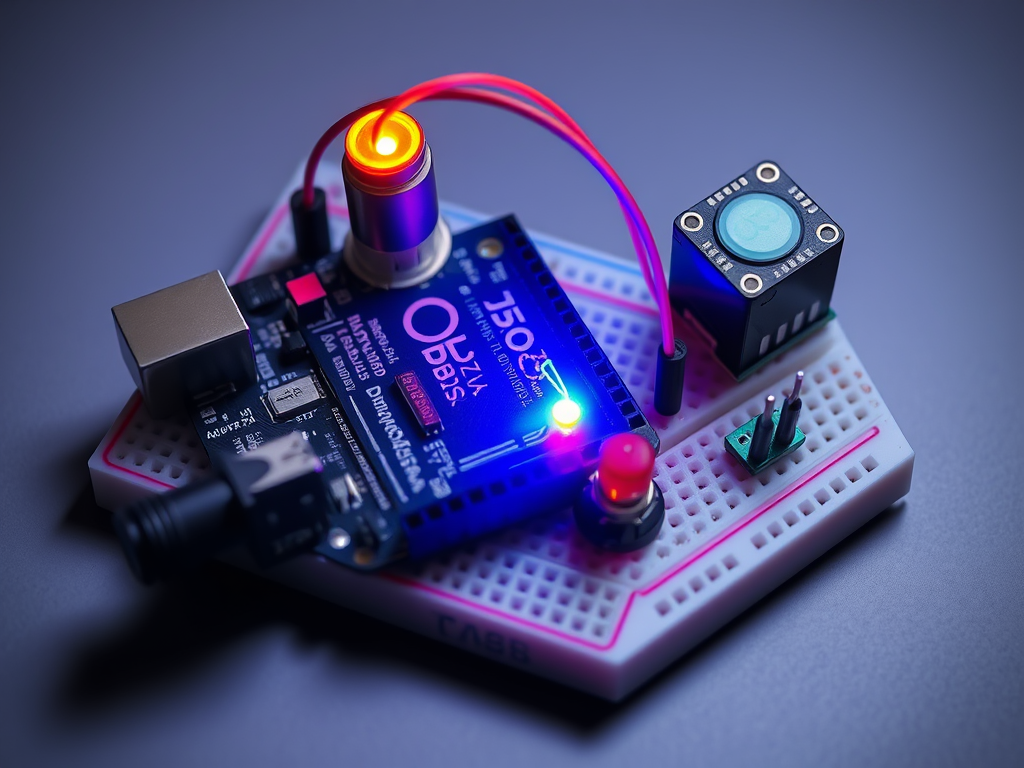
To build the IoT weather reporting system, you will need the following hardware:
- Arduino Uno – for sensor data collection.
- Raspberry Pi 4 – for data processing and hosting the IoT dashboard.
- DHT11/DHT22 sensor – measures temperature and humidity.
- BMP180/BMP280 sensor – measures atmospheric pressure.
- Rain sensor module – detects precipitation.
- Jumper wires and breadboard – for connections.
- Power supply – for Arduino and Raspberry Pi.
- Optional: LCD/OLED display to show local readings.
Diagram 1: System Architecture
[ Sensors ] --> [ Arduino ] --> [ Raspberry Pi ] --> [ IoT Dashboard/Cloud ]
Step 1: Setting Up Arduino for Sensor Data Collection
- Connect the DHT22 sensor to Arduino:
- VCC → 5V
- GND → GND
- Data → Digital Pin 2
- Connect the BMP280 sensor:
- VCC → 3.3V
- GND → GND
- SDA → A4
- SCL → A5
- Optional: Connect rain sensor and LCD as per module instructions.
- Install Arduino libraries for sensors:
#include <DHT.h> #include <Adafruit_BMP280.h> - Write a program to read data:
float temperature = dht.readTemperature(); float humidity = dht.readHumidity(); float pressure = bmp.readPressure(); - Send the data via serial communication to Raspberry Pi.
Step 2: Setting Up Raspberry Pi for Data Processing
Raspberry Pi acts as a server that collects data from Arduino and uploads it to an IoT platform.
- Install Python and necessary libraries:
sudo apt update sudo apt install python3-pip pip3 install pyserial requests - Connect Arduino to Raspberry Pi via USB.
- Python script to read Arduino data:
import serial import requests arduino = serial.Serial('/dev/ttyUSB0', 9600) while True: data = arduino.readline().decode().strip() temperature, humidity, pressure = data.split(',') # Send data to IoT dashboard requests.post('https://iotdashboard.com/api', data={'temp': temperature, 'hum': humidity, 'pres': pressure})
Diagram 2: Data Flow
[ Arduino Sensors ] --> [ Arduino ] --> [ Raspberry Pi ] --> [ Cloud Platform/Dashboard ] --> [ Mobile/Web App ]
Step 3: Visualizing Data on IoT Dashboard
- Use an IoT platform like ThingSpeak, Blynk, or Adafruit IO.
- Configure channels for temperature, humidity, and pressure.
- Raspberry Pi’s Python script uploads real-time sensor data.
- Customize charts and alerts on the dashboard.
Step 4: Automating Weather Alerts
- Set thresholds for critical parameters, e.g., high temperature or heavy rain.
- Use Raspberry Pi to trigger notifications:
- Email alerts
- Mobile push notifications via the IoT platform
- Example Python snippet for alerts:
if float(temperature) > 35: requests.post('https://api.mail.com/send', data={'msg':'High Temperature Alert!'})
Step 5: Advanced Enhancements
- Solar-powered setup – Make it energy-efficient for outdoor deployment.
- Additional sensors – Add wind speed, UV index, or air quality sensors.
- Machine learning – Predict weather patterns using collected historical data.
- Mobile app integration – Access weather data anywhere.
Conclusion
Creating an IoT weather reporting system with Arduino and Raspberry Pi is a rewarding project that combines hardware, software, and cloud computing skills. By following this guide, you can collect real-time weather data, visualize it online, and even set up automated alerts. This project is not only educational but also practical for home or small-scale environmental monitoring.